How to Claim a Free Product
Find free or limited-time-free products, claim them, and access them anytime from My Products.
Which products are available for free
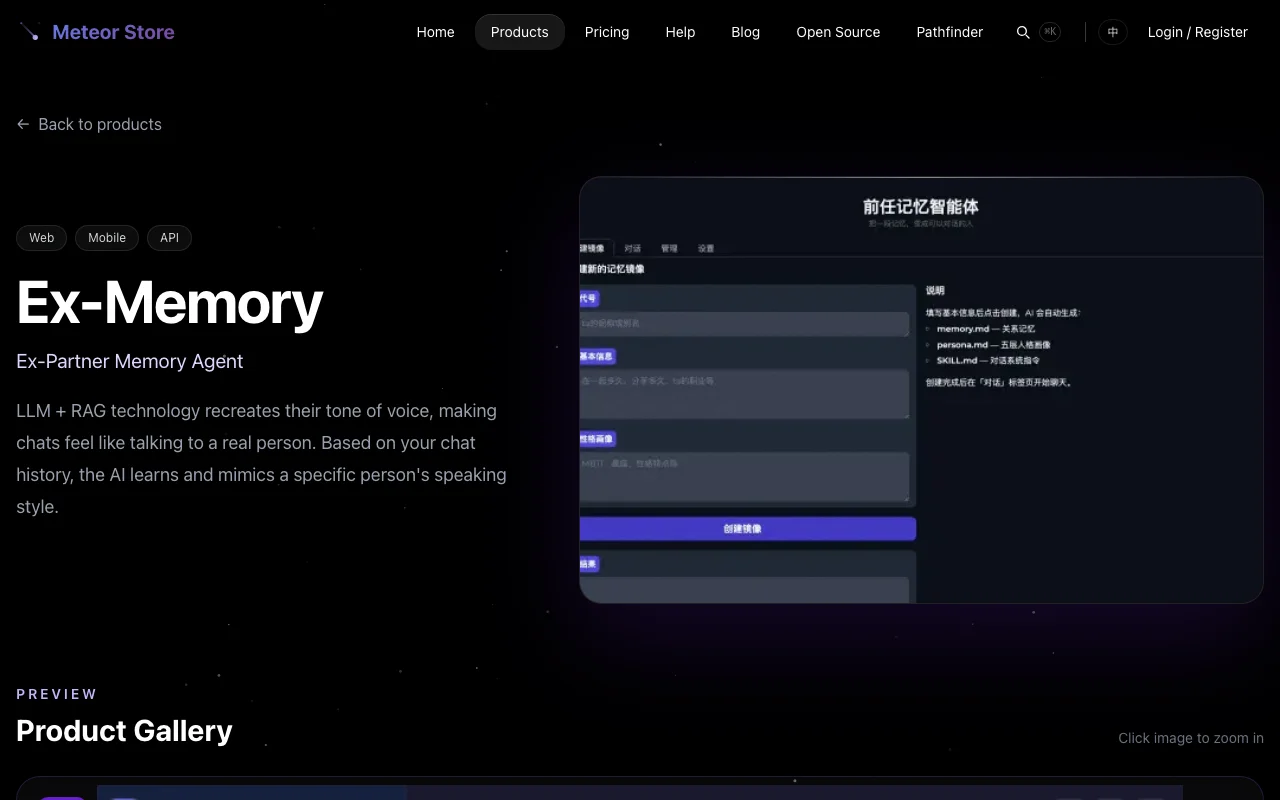 Some products on Meteor Store include a ¥0 pricing tier — meaning you can add them to your account without paying anything. On the product listing page, if a card shows ¥0 as the lowest price, that product has at least one free tier.
Open the product detail page and look for the ¥0 tier in the pricing section. If the ¥0 price appears next to a crossed-out original price (for example, "¥99"), the product is on a time-limited free promotion — the price may go back up later, but users who already claimed it keep their access.
There is also a special category: some open-source products listed under "Open Source" in the navigation bar are released under the MIT license. You can get the source code directly without going through the store's payment or claiming system. No login is required for those.
How to claim a free product
Once you have confirmed a product has a ¥0 tier, follow these steps:
- Make sure you are logged into your Meteor Store account. If you don't have one yet, register and verify your email first. Claiming requires a login, but does not require any payment method.
- On the product detail page, find the button for the ¥0 tier in the pricing section. The button usually reads "Claim Free" or similar.
- Click the button. The system creates a ¥0 order behind the scenes and adds the product to your account entitlements.
- After completion, the page confirms the claim. You can now find the product on your My Products page.
No payment step is involved — the system will never ask for payment information during a free claim.
How claiming differs from buying
From the "can I use the product" perspective, claiming and buying have the same result — the product appears on your My Products page and you can use it normally.
A few details are different:
- No license key — Claiming a free product does not generate a license key and does not send a confirmation email. If the product is a license-key type, you will still need to find the activation flow inside the product itself. Some license-key products do not require a key for free users.
- No order email — Paid purchases receive a confirmation email with the license key and order details. Free claims do not.
- No expiration — Like a purchased single product, a claimed product remains available indefinitely. There is no expiration concept for single products (Meteor Pass is the exception — Pass subscriptions do expire).
What to know about time-limited free products
Time-limited free products (with an original price crossed out next to ¥0) are promotional offers from the store owner. Keep in mind:
- Claim window — As long as you complete the claim while the product is still ¥0, your access is preserved even if the price goes up later.
- No guarantee of permanence — The owner may adjust pricing at any time. If you see a product you want on promotion, claim it sooner rather than later.
- No advance notice — The help center does not announce when promotions start or end. The pricing shown on the detail page in real time is authoritative.
Where to find claimed products
After claiming, click your avatar in the top-right corner and select "My Products" from the dropdown. This page lists every product you have obtained through purchase, claiming, Meteor Pass, or invitation code redemption.
For in-browser apps, click the product entry to open it directly. For downloadable products, clicking takes you to the product detail page where you'll find the download area. For license-key products, you can view the license key in your Account page.
Related articles
How to Browse, Filter, and Compare Products
Browse products by category, view details and pricing, and find the right product for you.
How to Buy a Product or Meteor Pass
Learn about one-time purchases, Meteor Pass monthly/annual/lifetime plans, and post-payment delivery.
How to Redeem an Invitation Code
Find the redemption entry, enter your INV-XXXX invitation code, and receive your product license.
Still need help?
Send us the details of your issue, including the relevant environment and error message, and we'll look into it.
Submit a question